
Find more on the app
Frequently Asked Questions
Getting started with the Holland & Barrett app is easy!
Simply head to the App Store on Apple devices or Google Play for Android, search for ‘Holland & Barrett’ and download the app for free. Once you’ve installed the app, sign in to your online account or create one in a few easy steps to start exploring products, wellness support, H&B&Me Rewards and so much more.
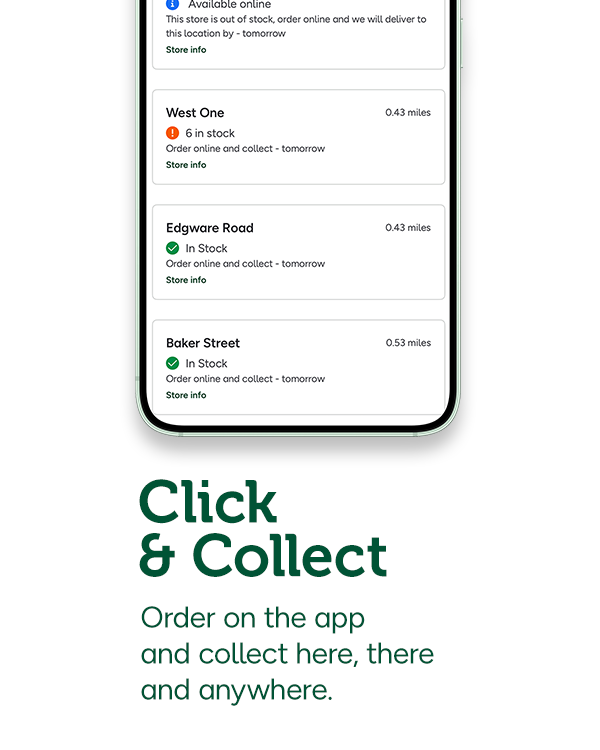
To find a Holland & Barrett store near you, open the app and select the ‘Account’ tab and once there, scroll to the bottom to the ‘Find a Store’ option. Here, you can search by postcode, town or your current location and you’ll be able to see all the closest stores. You’ll also be able to see each store’s opening times, services and contact information, making it easier to plan your next wellness shop, wherever you are.
To stay in the loop with app-exclusive offers, promotions and more, you’ll need to make sure you have your app notifications turned on. To do this, open the app, tap on ‘Account’ and select ‘App Settings’ from the menu. Here you’ll find the option to turn on or off app notifications, so you can update your preferences whenever it suits you.
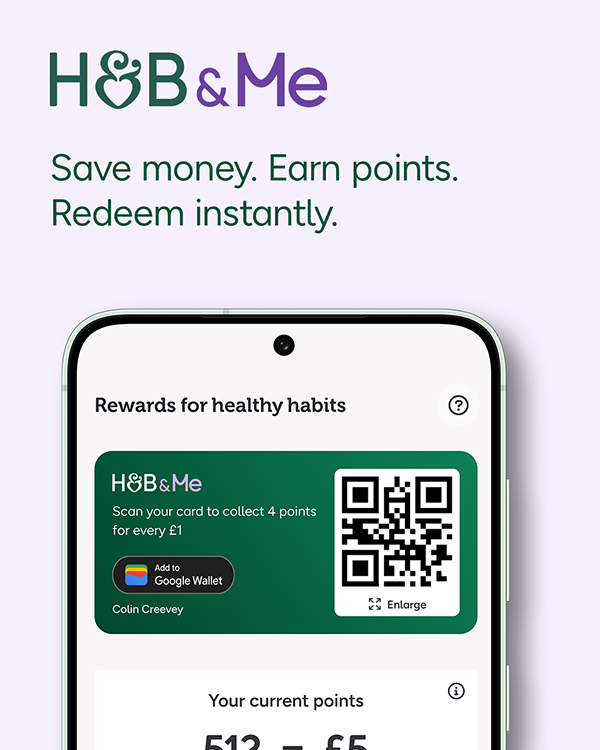
As long as you’re signed in to your online account when you place an order, your H&B&Me points will build up automatically. You’ll see exactly how many points you’re collecting on the basket page before you check out and you can keep track of your points anytime in the Rewards tab.


